
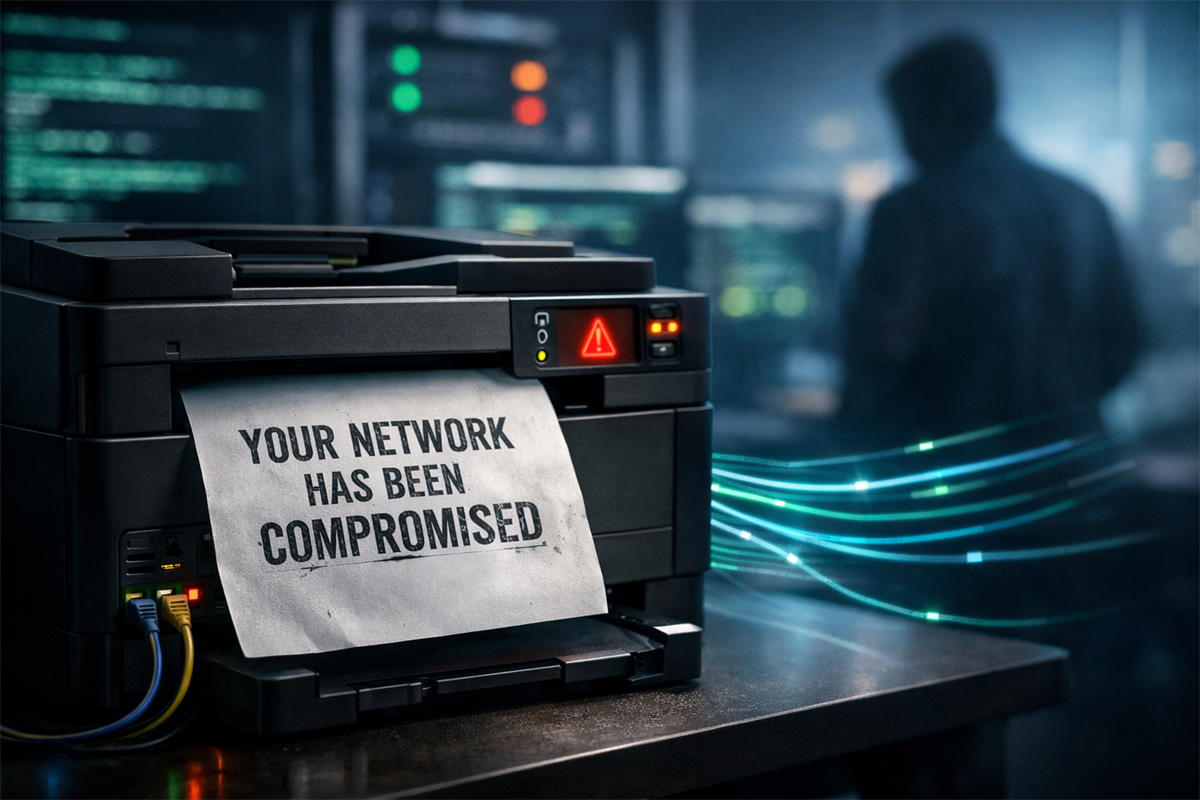
Anatomy of Modern MFPs: The Invisible Perimeter
When security teams build asset inventories, they categorize servers, cloud instances, hypervisors, and employee endpoints with aggressive endpoint detection and response (EDR) agents, vulnerability scanners, and continuous log forwarding. Multifunction printers (MFPs) are routinely excluded from this rigor. They are treated as physical office appliances, purchased via facilities budgets, managed by third-party lease vendors, and wired directly into the main employee network so that anyone can print seamlessly.
An enterprise MFP is not a simple serial peripheral. It is a full-fledged networked computing workstation running embedded Linux, Wind River VxWorks, or specialized RTOS kernels. It features:
- Multi-Core SoC Processors: Sufficient computational headroom to run arbitrary binaries, proxy tunnels, and port scanners.
- Internal Mass Storage: High-capacity mechanical HDDs or NVMe solid-state drives that cache every document ever printed, scanned, faxed, or emailed, often unencrypted.
- Dual Network Interfaces: Simultaneous wired Ethernet connectivity to the core corporate network, alongside unmanaged Wi-Fi Direct or Bluetooth modules broadcasting ad-hoc SSIDs.
- Privileged Directory Integration: Stored Active Directory service account credentials used for LDAP directory search, Kerberos authentication, and SMB file shares for "Scan-to-Folder" operations.
Traditional EDR software (CrowdStrike Falcon, Microsoft Defender for Endpoint, SentinelOne) cannot be installed on proprietary embedded printer operating systems. Once an adversary establishes code execution on an MFP, they inhabit a persistent blind spot that is immune to behavioral process termination and memory scanning.
Exposed Ports and Exploitation Vectors
Printers speak legacy protocols designed thirty years ago when local networks operated under implicit trust models. Most enterprise units ship from the factory with dozens of services listening by default across IPv4 and IPv6:
- Port 9100 (RAW / JetDirect): The de facto standard for direct socket printing. Port 9100 accepts raw Printer Job Language (PJL) and PostScript streams without authentication. Through PJL commands, an attacker can manipulate device memory, read and write internal filesystem files, modify default environment variables, and rewrite LCD display screens.
- Port 631 (IPP - Internet Printing Protocol): HTTP-based printing protocol. Critical vulnerabilities such as the CUPS remote code execution chain (CVE-2024-47176, CVE-2024-47076, CVE-2024-47175, and CVE-2024-47177) demonstrate how unauthenticated packet injection into IPP discovery services can trigger arbitrary command execution upon job processing.
- Port 161/162 (SNMPv1 / SNMPv2c): Simple Network Management Protocol with universal default community strings (
public,private,internal). An attacker querying SNMP MIB trees can extract firmware versions, network topology maps, internal IP schemes, workstation hostnames submitting jobs, and active user directories. - Port 80/443 (Embedded Web Server - EWS): The administrative web console. Countless devices remain configured with manufacturer defaults (such as
admin/admin,admin/1111, or empty passwords) or suffer from pre-authentication buffer overflows and cross-site scripting flaws that grant root administrative privileges. - Port 515 (LPD/LPR) and Port 21 (FTP): Legacy line printer daemon and file transfer protocols that transmit all print payload buffers and management credentials across the wire in cleartext plaintext.
Lateral Movement and Persistence Without EDR
Gaining access to a printer is rarely the attacker's ultimate objective. Instead, the printer serves as a stealthy, always-on pivot point. Once an adversary compromises an MFP via web console default credentials or a memory corruption vulnerability, the attack sequence unfolds through systematic stages:
- Firmware Modification & Web Shell Injection: Attackers upload trojanized firmware updates or leverage unauthenticated diagnostic scripts to drop reverse shells into the embedded operating system. Because firmware updates are seldom cryptographically verified on legacy hardware, the backdoor survives system restarts.
- Internal Subnet Reconnaissance: Operating from within the printer's shell, the attacker runs lightweight network scanning tools to discover adjacent workstations, print servers, and database engines. Because the traffic originates from a legitimate corporate printer IP, standard firewall ingress rules treat the traffic with elevated trust.
- Network Tunneling and SOCKS Proxying: By deploying a micro-proxy or reverse SSH tunnel on the printer, the adversary tunnels external C2 (Command and Control) traffic directly into the protected corporate subnet, completely bypassing perimeter firewalls.
The Goldmine: LDAP, SMB, and Spool Exfiltration
Printers are among the most credential-dense devices in the entire building. To facilitate convenient enterprise workflows, network administrators configure MFPs with deeply integrated system permissions:
- LDAP / Active Directory Bind Accounts: In order to allow employees to search the corporate address book on the printer touch screen, the MFP stores an Active Directory service account username and password. If the bind authentication uses simple (unencrypted) LDAP, attackers sniffing Port 389 capture domain credentials immediately. Even when stored locally, printer backup configuration files frequently store these passwords in reversible obfuscation formats or plain text.
- Scan-to-Folder SMB Credentials: When users scan documents directly to network file shares, the printer authenticates using pre-configured SMB credentials. Extracting the NVRAM or configuration export reveals service accounts that frequently hold write access to sensitive file shares.
- Unencrypted Document Spool Exfiltration: Financial statements, board meeting minutes, legal contracts, payroll sheets, and medical records pass through the printer buffer daily. Attackers tapping the internal storage can reconstruct every PDF, PostScript, and TIFF file that enters the spool queue, enabling massive data exfiltration without alerting file-integrity monitoring tools.
Reconnaissance and Audit Command Reference
Defenders must audit their perimeter and internal network spaces to identify vulnerable, forgotten, or misconfigured peripherals before adversaries discover them. The following commands illustrate how security assessors identify exposed printer interfaces, inspect SNMP data, and check for default configurations:
# 1. Sweep internal subnet for exposed printer-specific listening ports
$ nmap -sS -Pn -p 80,443,515,631,9100,161 -sV --open 192.168.10.0/24 -oN printer_audit_discovery.txt

# 2. Run Nmap specialized printer enumeration NSE scripts
$ nmap -p 9100 --script cups-queue-info,printer-info,ipp-information 192.168.10.45

# 3. Query SNMPv1/v2c default public community string for system info & MIBs
$ snmpwalk -v2c -c public 192.168.10.45 1.3.6.1.2.1.1.1.0
$ snmpwalk -v2c -c public 192.168.10.45 1.3.6.1.4.1.2699.1.1

# 4. Check whether Port 9100 responds to raw Printer Job Language (PJL) commands
$ echo -e "\x1b%-12345X@PJL INFO ID\r\n\x1b%-12345X" | nc -nv -w 3 192.168.10.45 9100

# 5. Interrogate embedded web management server TLS certificate and HTTP headers
$ curl -k -I -s https://192.168.10.45/ | grep -iE 'server|set-cookie|x-frame'
Threat Matrix: Common Peripheral Attack Vectors
The table below outlines the primary attack surfaces present on enterprise multifunction devices, their technical impact, and defensive priority:
| Attack Vector | Protocol / Port | Risk Level | Primary Technical Impact | Mitigation Standard |
|---|---|---|---|---|
| Default Web Credentials | HTTP/HTTPS (80/443) |
CRITICAL | Complete device takeover, firmware tampering, credential theft | Enforce random 24+ char password during initial bootstrap; disable HTTP |
| Raw PJL Command Injection | RAW Socket (9100) |
HIGH | Internal filesystem read/write, environment tampering, DoS | Filter Port 9100 via hardware firewall; permit access only from central print server |
| CUPS / IPP RCE Exploits | IPP (631) |
CRITICAL | Remote unauthenticated code execution via malformed PPD files | Patch embedded print services; restrict IPP exposure to authenticated clients |
| SNMP MIB Enumeration | SNMP (161/UDP) |
MEDIUM | Internal network topology reconnaissance, user identity harvesting | Disable SNMPv1/v2c; migrate strictly to encrypted, authenticated SNMPv3 |
| Unencrypted Spool Tapping | Internal HDD / SSD |
HIGH | Mass exfiltration of corporate secrets, PII, and financial records | Enable cryptographic disk encryption and automated volatile spool overwrite |
| Rogue Access Point Bridging | Wi-Fi Direct / BLE |
HIGH | Physical perimeter bypass via unauthorized ad-hoc wireless entry | Physically disable wireless and Bluetooth radios in printer administrative BIOS |
Defense-in-Depth Hardening and Network Segmentation
Securing printers does not require exotic security products. It requires treating them with the same zero-trust architecture principles applied to untrusted guest devices:
- Isolated Printer VLAN: Never place printers on the same subnet as user workstations or domain controllers. Place all printers into a dedicated, non-routable peripheral VLAN (e.g., VLAN 80 - Printers).
- Strict Ingress/Egress Access Control Lists (ACLs): Configure switch access control lists so that printers can only communicate with designated centralized print servers. Deny all printer-initiated outbound connections to the Internet or other corporate subnets. A printer has zero legitimate reason to initiate an outbound TCP connection to an internal workstation.
- Centralized Print Server Architecture: End-users should never connect directly to an MFP's IP address. Instead, workstations send print jobs to a hardened Windows or Linux Print Server over encrypted RPC/TLS. The print server then relays jobs to the isolated printer VLAN.
- Decommission Legacy Services: Explicitly disable Telnet, FTP, TFTP, Bonjour (mDNS), UPnP, AppleTalk, and IPv6 (if unused) in the printer's administrative console. Keep only HTTPS and secure printing channels active.
- Full Disk Encryption & Image Overwrite: Modern commercial printers feature data security kits. Enable automatic multi-pass overwrites of temporary spool files (DoD 5220.22-M compliant) to ensure physical hard drive theft does not yield recoverable documents.
A printer has zero legitimate architectural justification for establishing outbound connections to arbitrary employee endpoints or external cloud infrastructure. Egress filtering on the printer VLAN instantly neutralizes 90% of reverse shell payloads even after successful firmware exploitation.
Peripheral Security Field Checklist
Before declaring an office network secure, verify these operational controls across all deployed peripherals:
- Default administrator credentials rotated to unique 24+ character secrets across all multifunction devices upon initial bootstrap.
- Dedicated peripheral VLAN established with strict access control lists preventing direct workstation-to-printer routing.
- Printer egress traffic blocked at firewall: deny all direct Internet and cross-VLAN outbound initiated sessions.
- Unused network protocols (Telnet, FTP, TFTP, SNMPv1/v2c, Bonjour, Wi-Fi Direct) permanently disabled in firmware settings.
- Encrypted communication channels (HTTPS management console, SNMPv3, IPPS over TLS) enforced universally.
- Hardware-level disk encryption and immediate temporary image overwrite (DoD 5220.22-M compliant) activated on internal drives.
- Automated or quarterly firmware patching cadence established with authorized hardware lease vendors.
This briefing is published to support network administrators, security engineers, and red/blue team operators in identifying peripheral vulnerabilities and implementing robust segmentation controls. Never test or interact with network hardware without explicit written authorization from system owners.