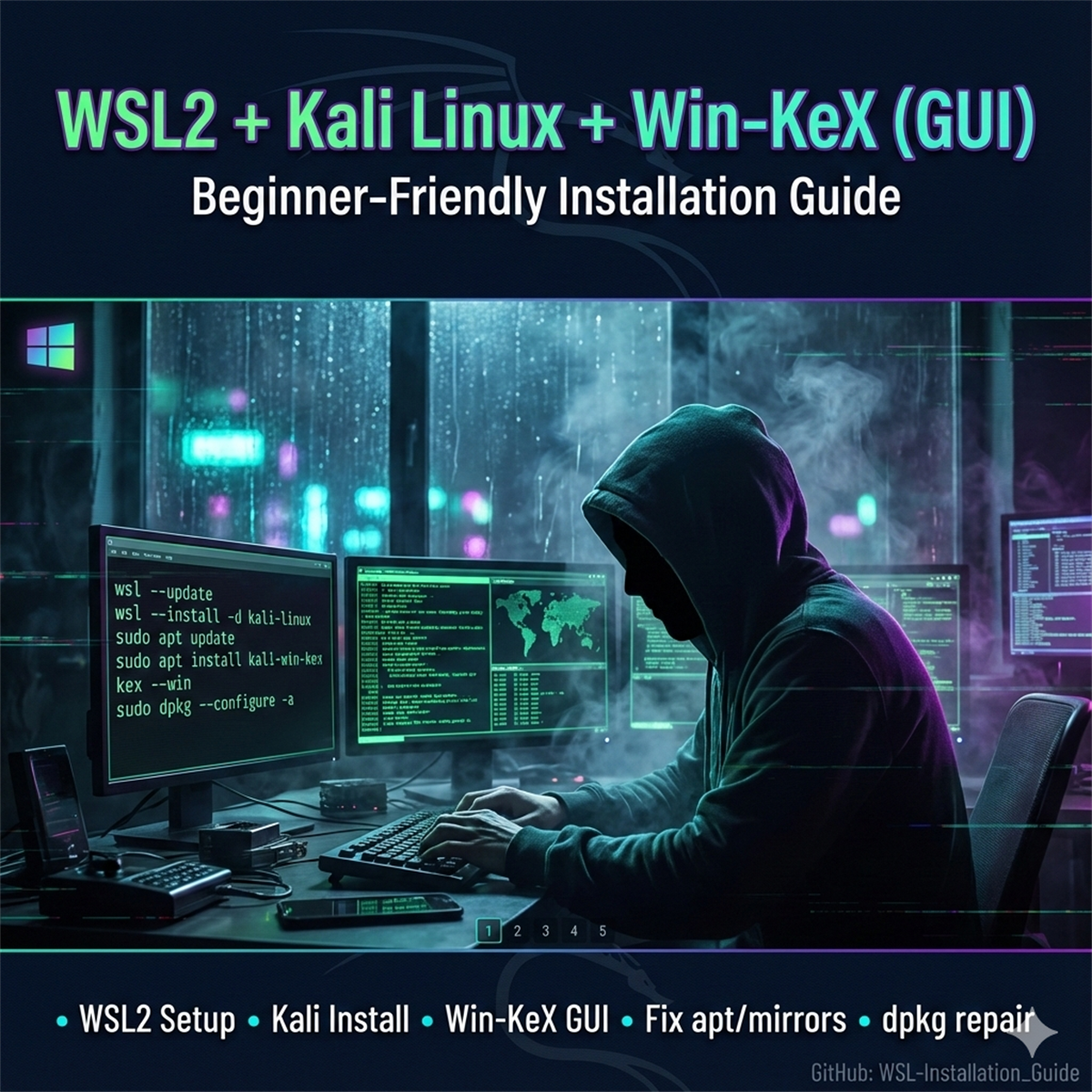
What’s inside (all sections included)
- 0) Prerequisites — virtualization check (Task Manager + BIOS/UEFI note), latest GPU drivers, and required Windows features.
- 1) Update WSL — PowerShell as Admin:
wsl --update,wsl --version, status checks. - 2) Install Kali Linux —
wsl --list --onlineandwsl --install -d kali-linux. - 3) Set Kali default —
wsl --setdefault kali-linuxplus first launch notes. - 4) Update packages —
sudo apt update+ mirror fixes if updates fail. - 5) Install Win‑KeX —
sudo apt install kali-win-kexandkex --win, with the recommended prompt answer. - 6) (Optional) Kali toolkit —
sudo apt install kali-linux-largewith recommended prompt answers. - Fixes & tips — kex not found, dpkg interrupted, stopping KeX vs stopping WSL, and more.
Recommended prompt answers (quick highlights)
- KeX view‑only password? → n (so you can interact normally).
- Kismet setuid root? → Yes.
- Non‑superusers capture packets? → Yes (Wireshark group).
- sslh: inetd vs standalone? → standalone.
Quick commands you’ll use a lot
kex --status/kex --stop/kex --win/kex --slwsl --terminate kali-linux/wsl --shutdown
Repo link
Full notebook‑style guide: WSL-Installation_Guide
If anyone gets stuck at any step (WSL, mirrors, KeX, Wireshark permissions, dpkg errors), DM what you’re seeing and I will help.
Educational note: This post is for learning and safe setup guidance.