Temp vs Prefetch: quick clarification
The Temp folder stores temporary files created by apps and installers. Prefetch is different: it is a Windows performance feature that records execution metadata so apps start faster.
Prefetch can also help defenders during forensics because it shows evidence of executed programs.
Why the Temp folder appears in malware chains
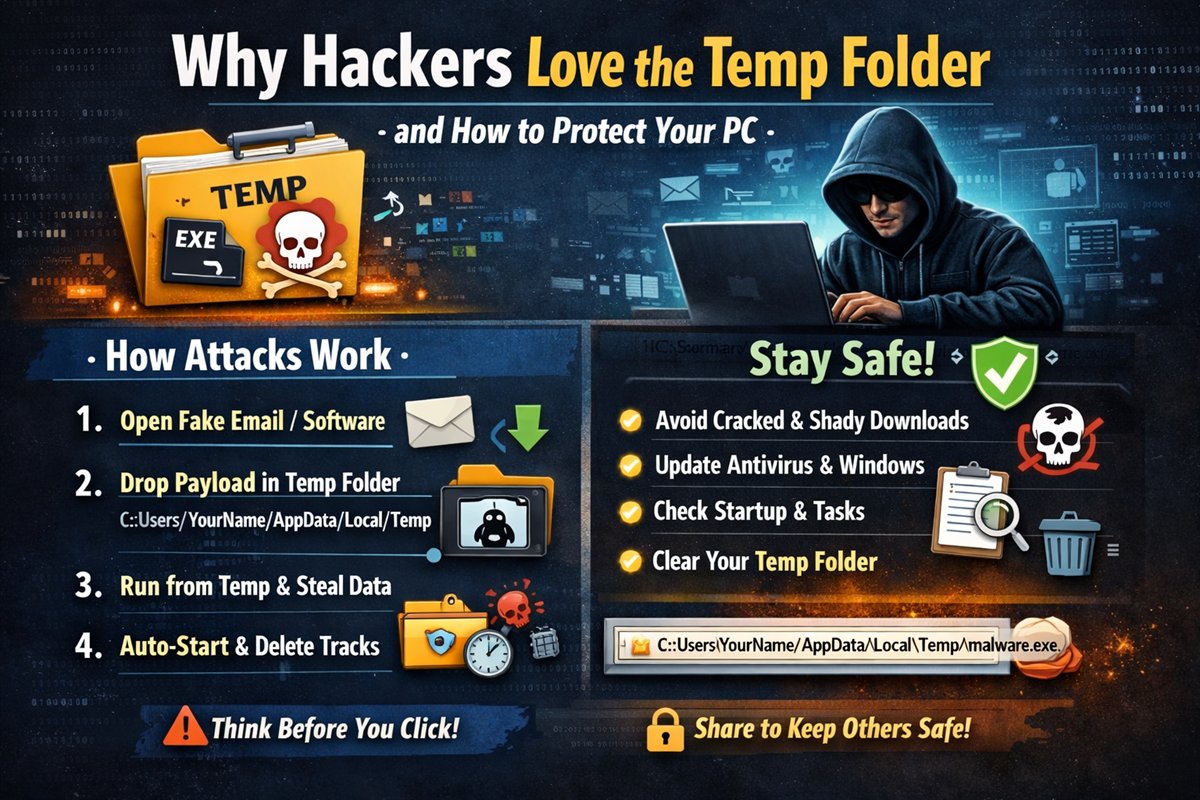
In many user-level infections, Temp is attractive because normal accounts can write there without admin rights. Malware can drop payloads, execute them, and try to clean traces quickly.
- Writable by standard users.
- Already full of noisy temporary files.
- Rarely monitored by casual users.
- Easy place to stage and delete artifacts.
A typical attack sequence
- User opens a malicious attachment, cracked tool, or untrusted installer.
- Initial file drops a secondary payload into `%temp%`.
- Payload executes from Temp in the background.
- Malware steals data, logs keys, or fetches more components.
- Some variants delete dropped files and add startup persistence.
How to reduce your risk
- Avoid pirated software, unknown links, and random attachments.
- Keep Windows and antivirus definitions updated.
- Be careful before executing files from untrusted sources.
- Periodically clean `%temp%` and review suspicious leftovers.
- Review startup entries and scheduled tasks for unknown items.
Final thoughts
Security is mostly behavior plus awareness. Understanding attacker workflow helps you notice early warning signs before a small mistake turns into a full compromise.
Think before you click, and treat unexpected executables as high risk by default.
Educational use only: This post focuses on prevention and defensive awareness.