Quick steps (Chrome/Edge)
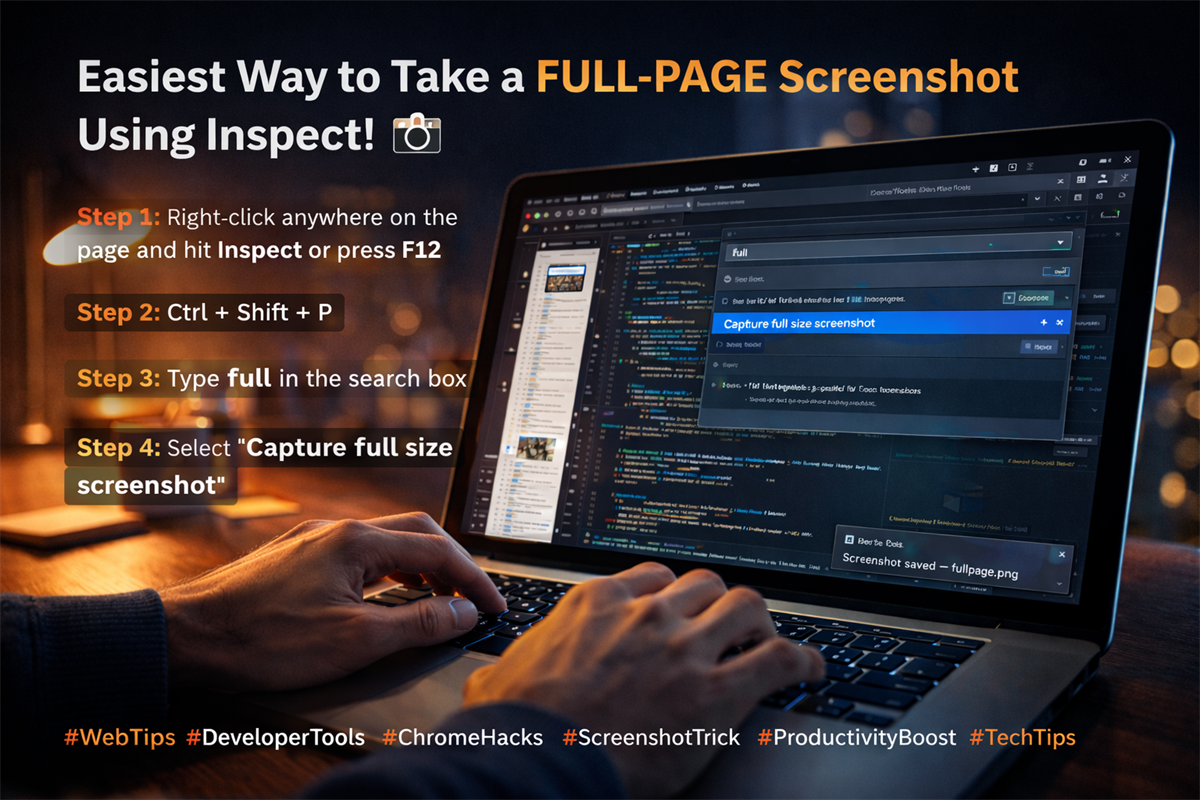
- Right-click anywhere on the page and hit Inspect (or press F12).
- Press Ctrl + Shift + P to open the Command Menu.
- Type full in the search box.
- Select Capture full size screenshot.
Your full-page screenshot downloads automatically. That’s it.
Why this is better than extensions
- No permissions or third‑party add-ons.
- Works on any page you can inspect.
- Consistent full-length output.
Pro tips
- If the page is lazy-loading content, scroll once before capturing.
- Works across Chromium browsers (Chrome, Edge, Brave, etc.).
- Use the Device Toolbar if you want a mobile viewport screenshot.
Educational note: This post is shared as a productivity tip for developers and creators.